Dashboards
Conspit CSD Nano Dashboard vs Simube DDU100

Conspit CSD Nano Dashboard
78.35 €
at Simwear
Compare prices2-11
3 ties

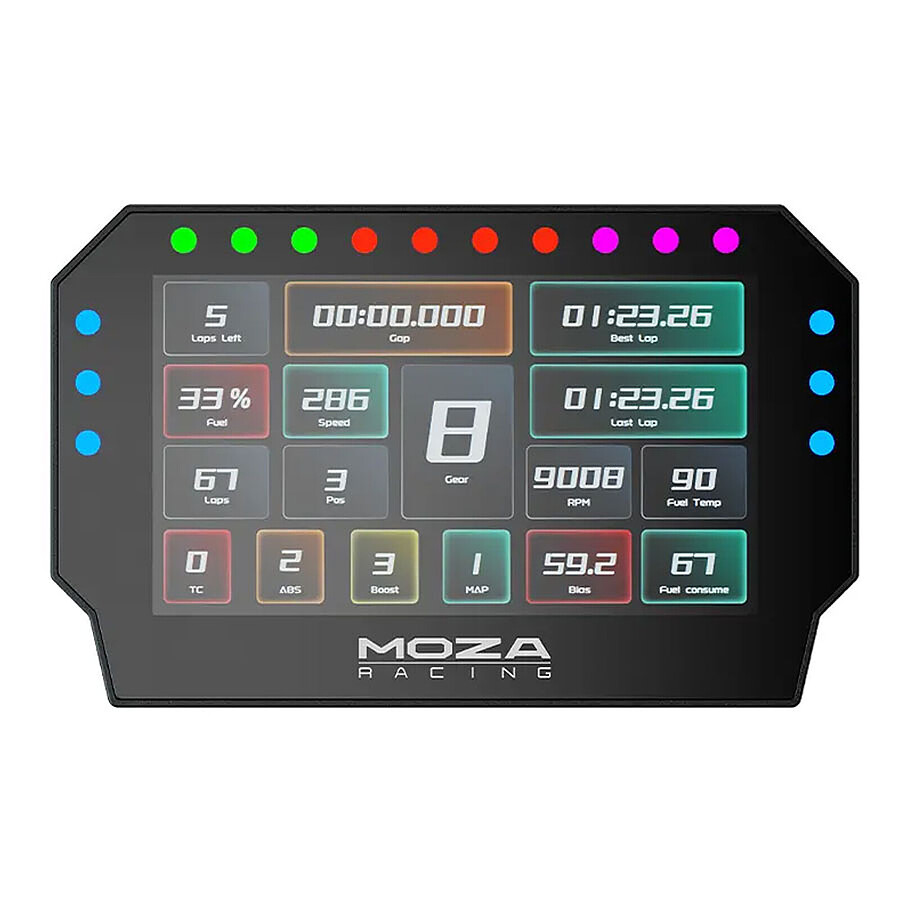
Simube DDU100
141.65 €
at Simube
Compare pricesVerdict
Simube DDU100 leads on 11 criteria vs 2 for Conspit CSD Nano Dashboard (3 tied).
Conspit CSD Nano Dashboard is 81% cheaper
Simube DDU100 has RGB LEDs — customizable colors and richer visual alerts
Specs comparison
Where to buy
YouTube reviews
No review yet
No sim racing creator has published a video on this product yet.
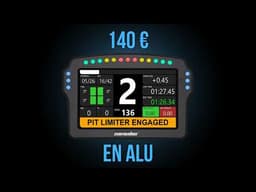
Price history
Community builds
Related comparisons

Frequently asked questions
Which is the better choice, the Conspit CSD Nano Dashboard or the Simube DDU100?
It depends on how you drive. The verdict above weighs the specs, the live prices and what the community reports, so you decide on facts rather than on a marketing sheet.
Where do you buy the Conspit CSD Nano Dashboard or the Simube DDU100 at the best price?
We compare the live prices of every shop we track for both products. The "Where to buy" section above shows the best offer of the day.
Are Conspit accessories compatible with Simube?
Each brand has its own ecosystem: quick release, data link, drivers. Conspit and Simube do not share theirs, so check the compatibility guide of the product, or let the builder check your whole setup.
How do you choose between these two?
Start with your budget, then your main use (GT, rally, drift, F1), then what your rig already has. The setup quiz narrows it down in three minutes.